Projects
PiChamber - Run Pi Sessions From Anywhere
September 5, 2026
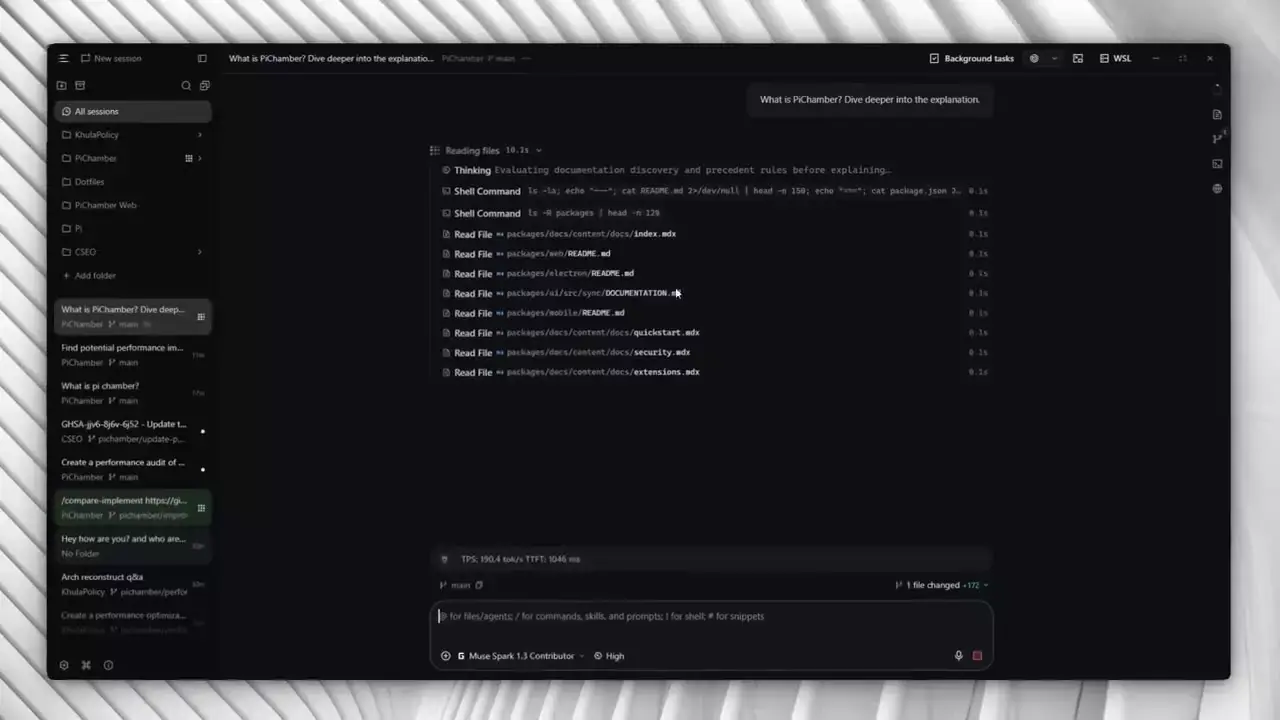
- Session management — Create, resume, fork, archive, and delete Pi sessions from any client
- Live steering — Watch reasoning, tools, and token usage stream in real time, steer mid-run or abort
- Isolated worktrees — Keep parallel efforts in separate checkouts instead of one tangled tree
- Pi config UI — Configure 40-plus providers, custom endpoints, skills, prompt templates, and AGENTS.md
- Extension views — Extensions render cards, live panels, forms, and sandboxed app views in the workspace
- Multi-server pairing — Pair desktop, browser, and mobile to one or many servers over an authenticated API with one-time pairing links
A PiChamber server runs a private Pi session daemon on your machine through the Pi SDK. You do not need a separate Pi CLI install. The server exposes a web UI and APIs, and every client is a remote view into that server. Execution, API keys, skills, prompts, and project files stay on the host.
Pair once per server, then switch between them from a single client. Desktop for everyday work, WSL for Linux-native projects, a VPS for always-on sessions.
Your code stays on your machine. Credentials never leave the host, and clients never receive stored provider credentials. Pairing grants a device access to the server workspace, and you revoke it there. No cloud account sits in the middle.
- Electron for cross-platform desktop delivery
- Bun runtime owning the Pi session daemon via the Pi SDK
- React workspace UI with realtime reasoning and tool streams
- SQLite for local persistence
- Capacitor mobile shell pairing to any PiChamber server
- One-time pairing links and authenticated web API for remote clients
PiChamber turns Pi from a single-terminal tool into a workspace you can reach from anywhere, without giving up what makes Pi good. Minimal, fast, and hackable, with the same daemon, extensions, and session model underneath.