Posts

Introducing PiChamber: Run Pi From Anywhere

September 5, 2026
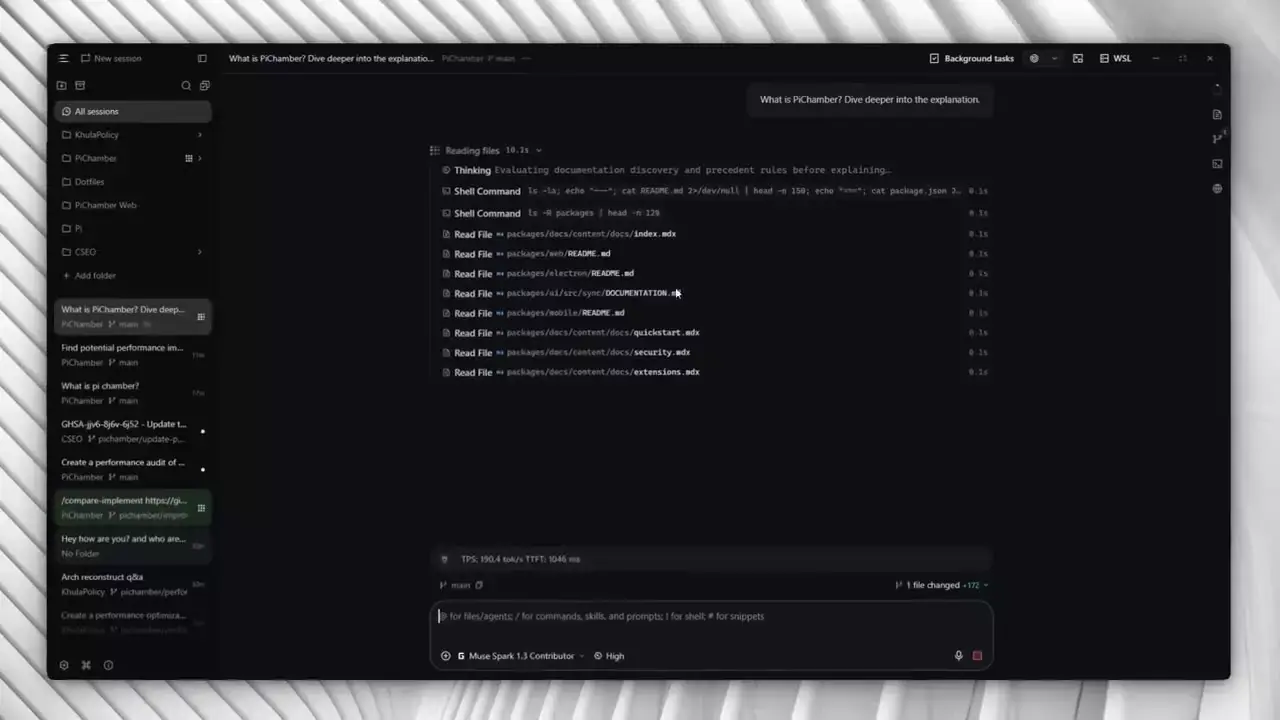
PiChamber agent session answering questions about the project
Today I am sharing PiChamber, an open-source workspace for Pi Coding Agent that lets you run Pi from desktop or a browser and reach it from anywhere. The tagline is simple. Run agent work. Keep control. Ship from anywhere. If you use Pi and want the same sessions on your PC, your server, and your phone, with live steering and no credentials leaving the host, I built this for that.
PiChamber logo
Pi is minimal by design. Small system prompt, no baked in sub agents or plan mode, 40-plus providers, fast and cheap. I like that it does not dictate my workflow. But minimal CLI work has a practical gap. Sessions live in one terminal on one machine. I wanted to start work on my desktop, check it from my phone, and steer or abort a live run without SSH gymnastics. Existing agent UIs go the other way. They add a sealed GUI full of opinions. I did not want another platform to learn. I wanted a thin workspace over the Pi I already use. PiChamber is one workspace model across every client. A PiChamber server runs a private Pi session daemon on your machine, exposes a web UI and APIs, and trusted devices work with the same Pi sessions from the desktop app, browser, or phone. It is a community fork of OpenChamber, re-wired to the Pi session daemon through the Pi SDK. It keeps the required MIT attribution to OpenChamber. What changed is the core. Same Pi daemon, same extensions, same session model, now with a workspace around it. Why Pi specifically. Composio ran a 30 task eval with DeepSeek V4 Flash across four harnesses. Pi had the highest pass rate at 66.7 percent, the lowest median cost at 0.012 dollars per task, and the lowest median time at 132 seconds. Prime, Deep, and Hermes trailed on all three. A second eval with DeepSeek V4 Pro told the same story. Minimal turned out to be capable and cheap. You run a PiChamber server on a machine you control. The server creates and owns the Pi daemon for you through the Pi SDK. You do not need a separate Pi CLI install. Every client is a remote view into that server. Execution, API keys, skills, prompts, and project files stay on the host. The browser or app streams the UI to you. That split is the whole point. Pair once per server, then switch between servers from a single client. Your desktop for everyday work, WSL for Linux-native projects, a VPS for always-on sessions. Clients never receive stored provider credentials. The core loop is create, resume, fork, archive, and delete Pi sessions. While a session runs you watch reasoning, tools, and token usage stream in real time. You steer mid-run or abort when it goes sideways. Worktrees keep parallel efforts isolated instead of tangled in one checkout.
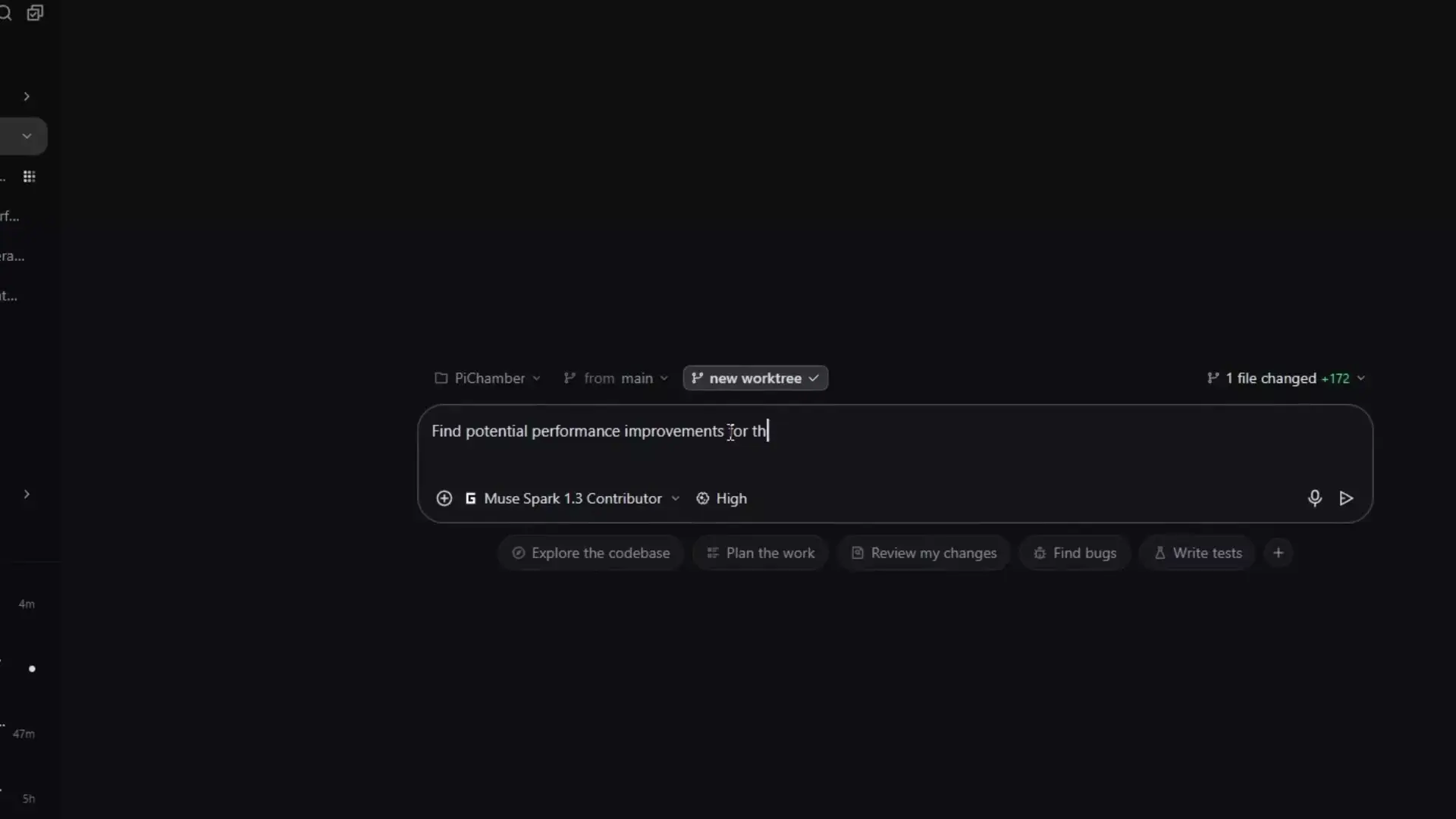
Creating and working in a PiChamber worktree
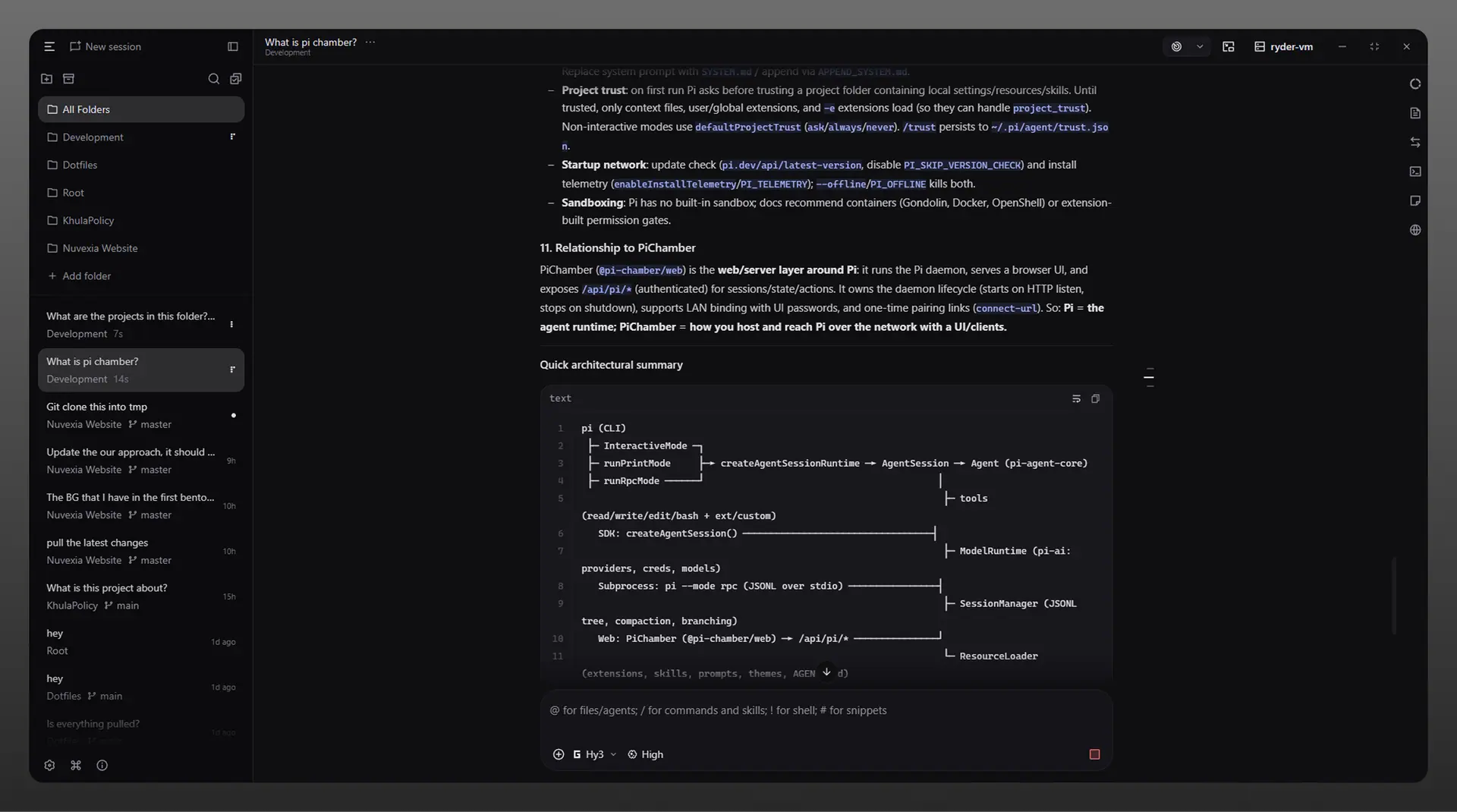
PiChamber desktop chat example
Desktop, browser, and mobile connect to the same workspace over an authenticated web API with one-time pairing links. Scan a QR code from the server in your browser, or add the server manually with a URL and password. Revoke access from the server when a device is no longer trusted.
Connecting to a remote PiChamber server
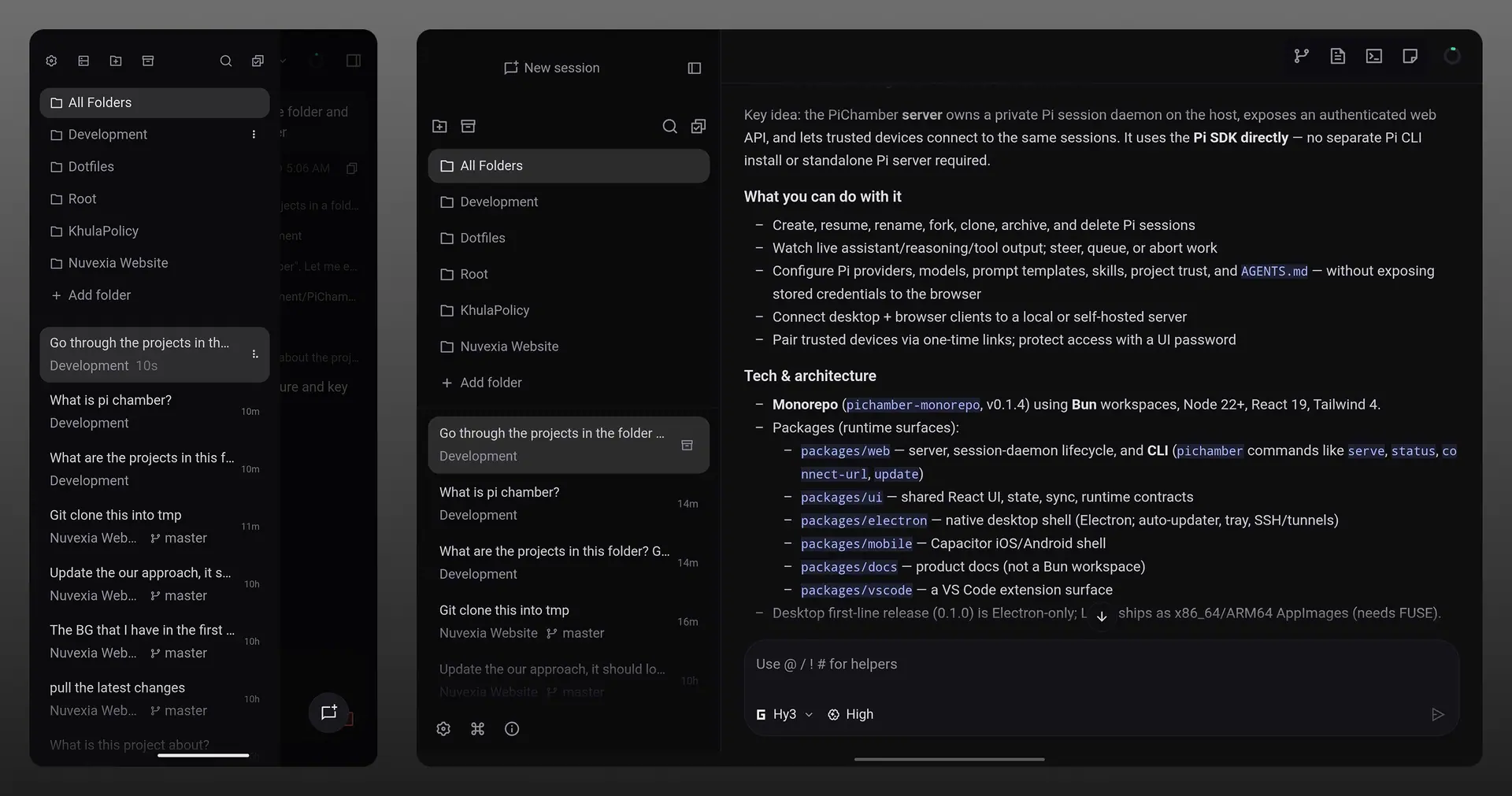
PiChamber on mobile with multiple sessions
I use this daily. Start a long run on the PC, leave the desk, check the reasoning stream from my phone, send a steering message, come back to finished work. PiChamber follows Pi here too. Minimal, fast, hackable. Your extensions, skills, tools, commands, and hooks carry over unchanged, including anything you build or install for Pi. Extensions can also render cards, live panels, forms, and sandboxed app views directly in the workspace. Standard Pi UI prompts keep working. The workspace gets out of the way.
Browsing and configuring PiChamber extensions
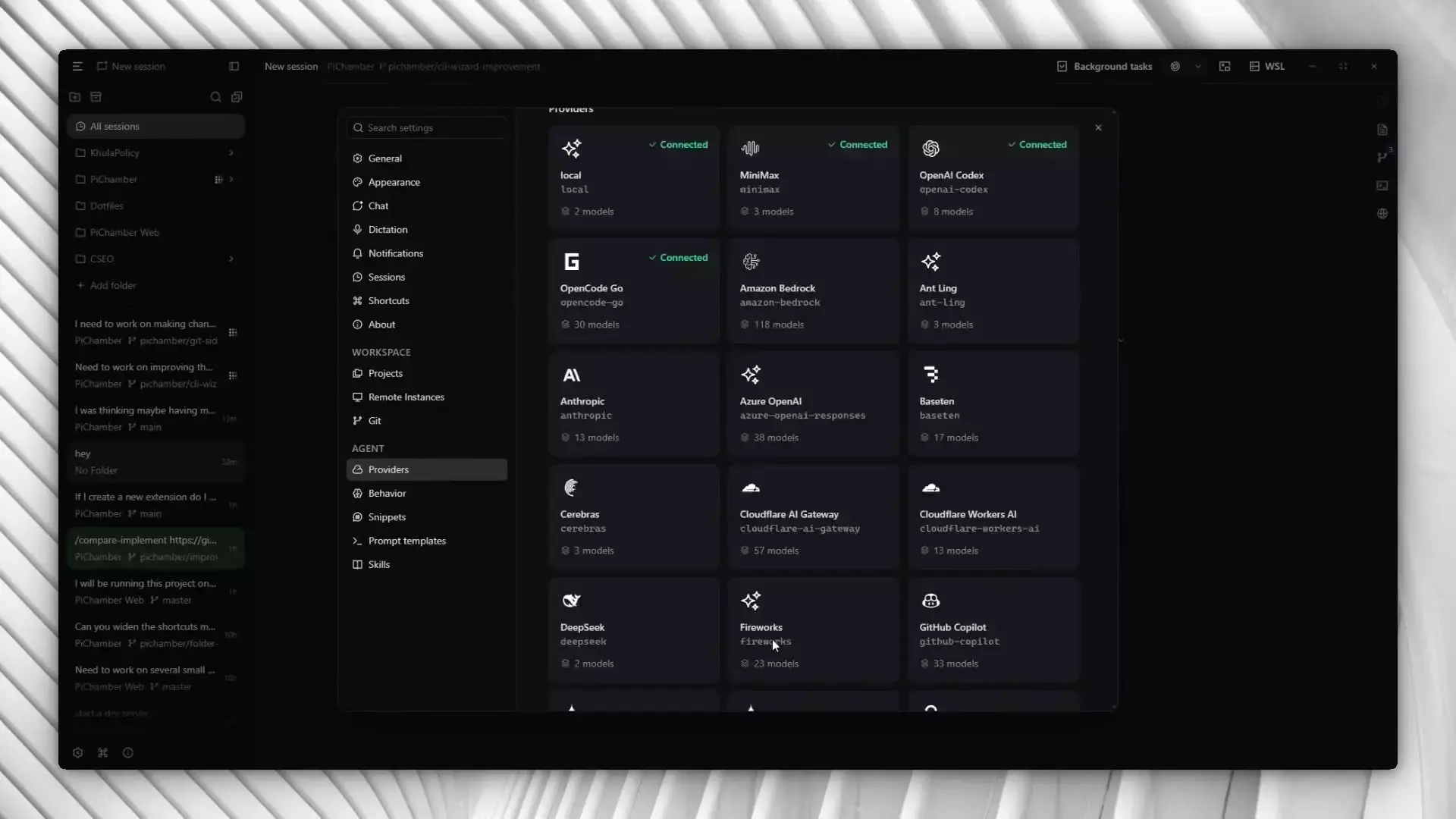
Providers work the same way. Connect 40-plus providers by API key or OAuth, add custom endpoints that speak OpenAI, Anthropic, or Google APIs, switch models mid-session, edit skills, prompt templates, and AGENTS.md from settings. What Pi supports, PiChamber configures.
Pi native features in PiChamber, providers, skills, prompt templates, and AGENTS.md
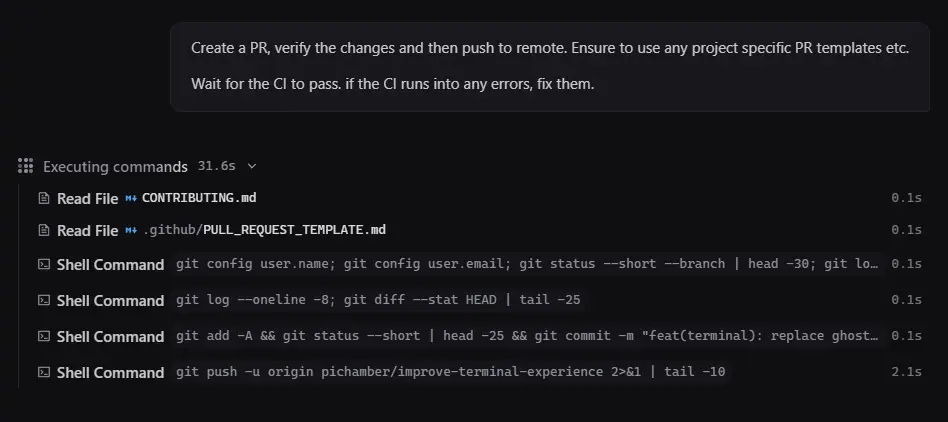
PiChamber session executing commands and pushing a branch
Desktop is the fastest path. Download the app for macOS, Windows, or Linux from GitHub Releases. No separate Pi CLI needed. Server takes one install on the host:
bun add -g @pi-chamber/web
pichamber serve --ui-password be-creative-here
Not on Bun. npm, pnpm, and yarn work. There is a full install guide, plus quick start, connect devices, and security in the main repo. From source it is bun install then bun run dev or bun run electron:dev. See CONTRIBUTING in the repo. Credentials never leave the host. Pairing grants a device access to the server workspace, and you revoke it there. Remote clients operate on the server filesystem and use the server Pi configuration, not a copy on the client. No cloud account sits in the middle. Your code, keys, and prompts live where you put them. PiChamber is free and open source under MIT. Try it at pichamber.ryder.pro. The app and server live at RyderAsKing/PiChamber. Pi itself lives at pi.dev. If you run Pi and want to reach the same sessions from anywhere without giving up control, this is for you.