Posts
Building Ride-a-Vim: Learning Neovim by Doing
February 1, 2026
I built Ride-a-Vim for myself because I wanted a better way to sharpen my Neovim workflow.
Vim has been around me for most of my technical life. I have always been closely connected to Linux systems, both professionally and personally, and Vim naturally shows up in that world. Whether I am editing config files, working over SSH, or moving through a Linux environment where I want direct control, modal editing has always felt like a skill worth investing in.
But knowing that Vim is useful and actually getting faster with it are different things.
I learn best by doing something repeatedly, seeing exactly where I make mistakes, fixing those mistakes, and tracking progress over time.
That became the core idea behind Ride-a-Vim: turn Neovim practice into an active feedback loop instead of a passive learning experience.
The goal was not to build another documentation site or shortcut reference. I wanted an environment where I could practice commands directly, make mistakes, and improve through repetition.
Ride-a-Vim is built around exercises that encourage muscle memory.
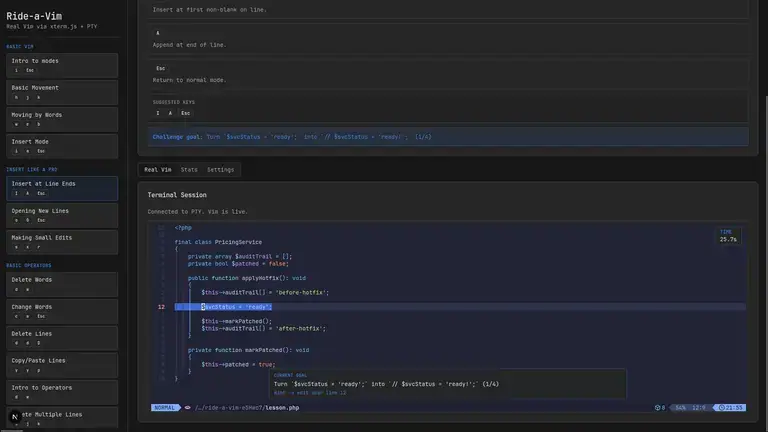
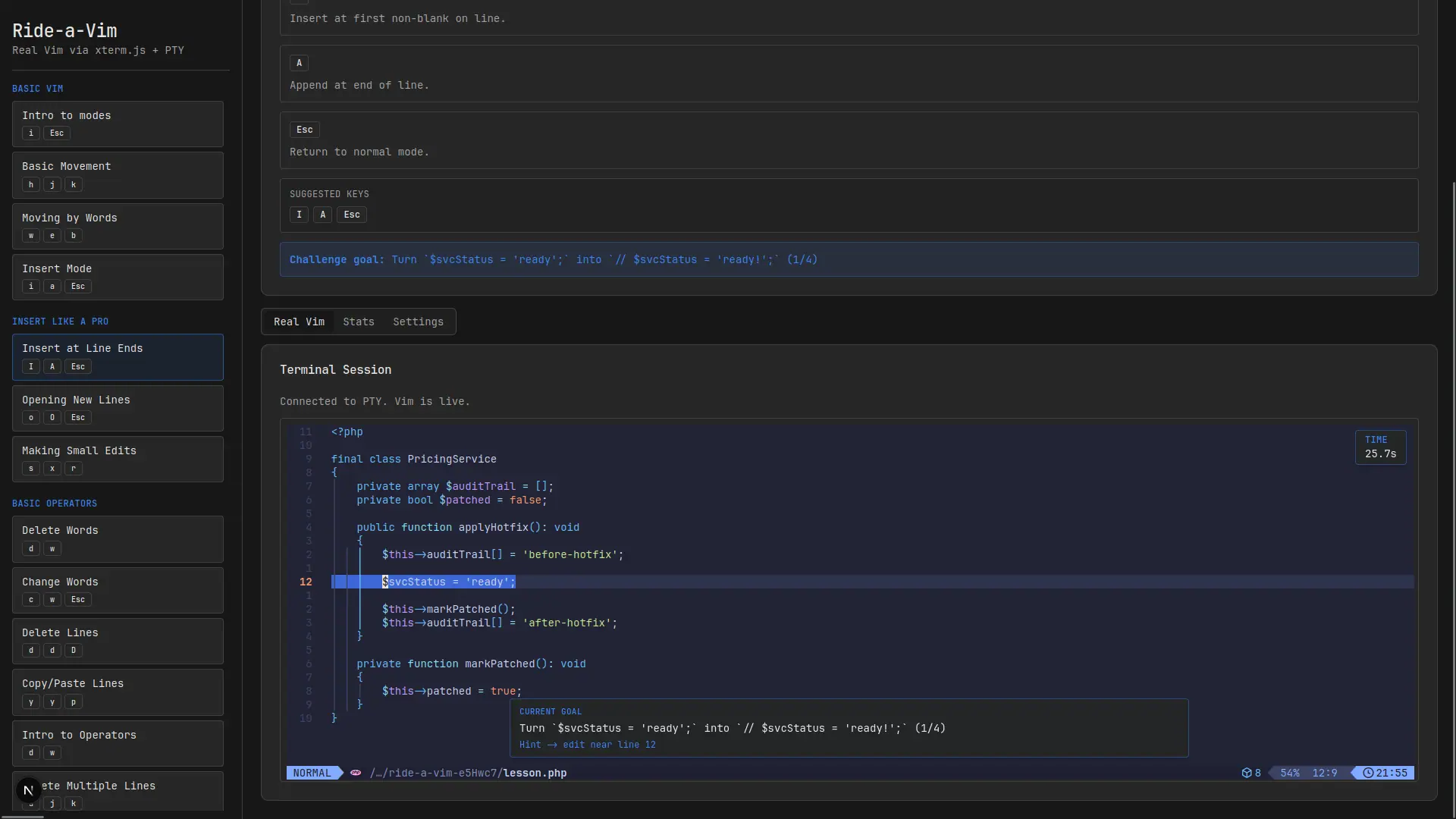
The app gives you a task, lets you perform edits in a Neovim-like flow, watches what changes, and then uses that feedback to determine whether you are moving in the right direction.
That loop matters because Vim is not learned by memorizing command lists. It is learned by building instincts:
- moving without thinking about individual keys
- combining motions and operators naturally
- fixing text with fewer keystrokes
- becoming comfortable inside a modal editor
The frontend is built with Next.js. It handles the learning interface, exercise flow, and progress state.
The backend is built with Bun. For each exercise flow, it creates a temporary file and watches it so the application can keep up with changes as they happen.
Sockets keep communication open in both directions. The frontend can send state to the backend, and the backend can report file changes or exercise updates back to the browser without forcing a refresh or polling loop.
Because this is a personal learning tool, I intentionally avoided adding a database. Progress is stored in localStorage, which keeps the project lightweight and local-first.
- Next.js for the frontend
- Bun for the backend runtime
- Temporary files for exercise state
- File watching to track changes
- Sockets for live two-way communication
- localStorage for progress persistence
For this type of project, a database would add more complexity than value.
Ride-a-Vim does not need accounts, teams, billing, or global sync. It needs to remember local progress and keep the practice loop fast. localStorage is enough for that, and choosing it kept the app simpler.
That simplicity is part of the project philosophy: use the smallest system that supports the learning experience well.
Building Ride-a-Vim reminded me that developer tools do not always need to be large platforms. Sometimes the most useful tool is highly personal and shaped around one workflow.
It also reinforced how powerful feedback loops are. If you can practice repeatedly, correct mistakes quickly, and see your progress, learning becomes much easier to sustain.
Ride-a-Vim is exactly that for me: a focused tool for getting better at Neovim by doing the work directly.