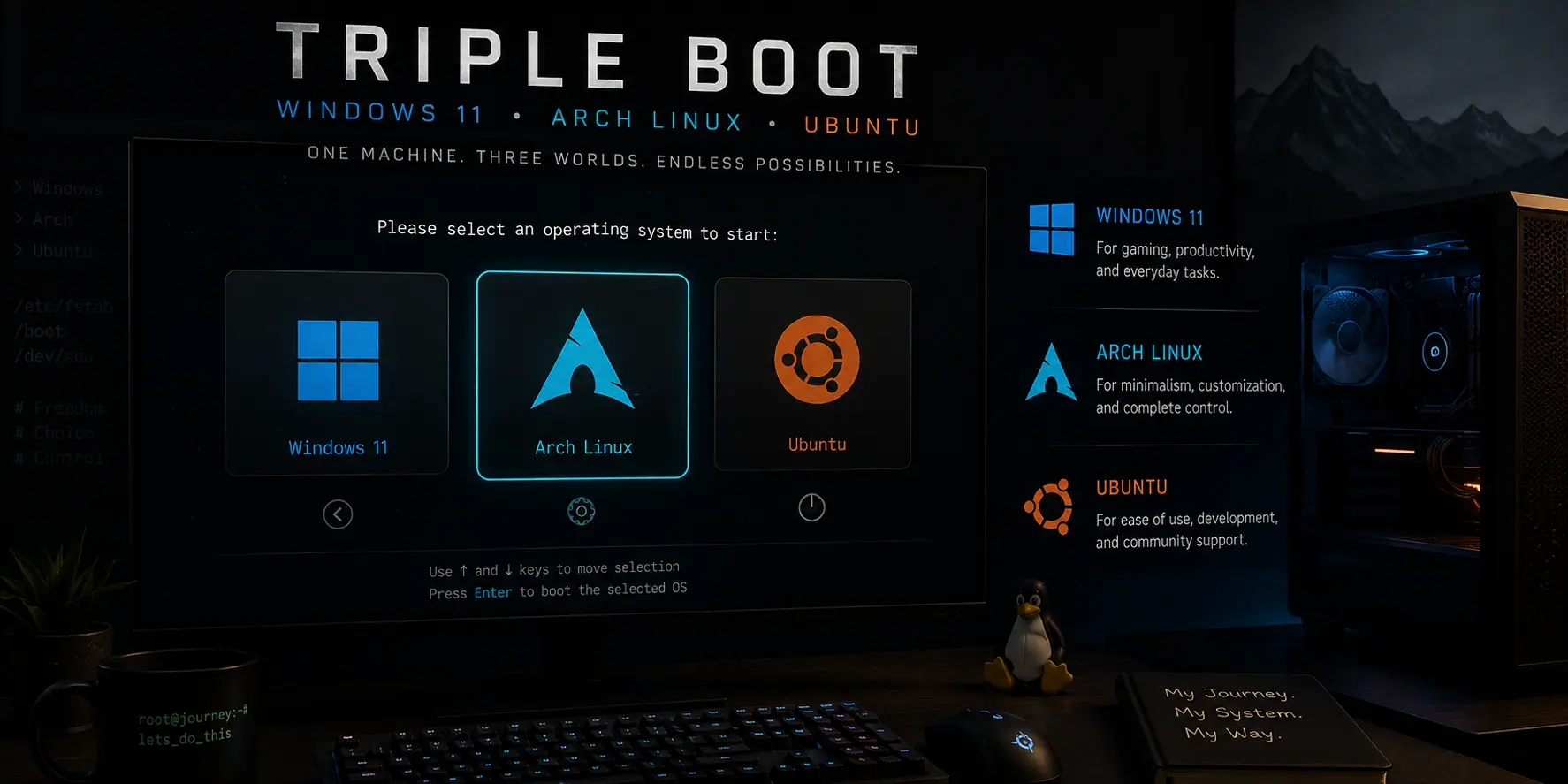
My Journey from Dual to Triple Boot
Understanding the Technical Landscape
File Systems: The Foundation
The EFI System Partition (ESP): The Central Hub
Bootloaders vs Boot Managers: Clearing the Confusion
- A bootloader (like GRUB) is the program that actually loads your operating system into memory
- A boot manager (like rEFInd) presents you with a menu to choose which operating system to boot and then hands control over to the appropriate bootloader
Kernels and Initramfs: The Technical Details
Lessons Learned: My Recommendations
Preparation is Everything
- Disable Secure Boot - This was non-negotiable for my Linux installations
- Turn off BitLocker encryption - Windows' encryption would have complicated the process significantly
- Disable fast boot - This Windows feature can cause data corruption when Linux tries to access NTFS partitions
Storage Planning: Size Matters
- Windows 11: 500GB - I was generous here because Windows tends to grow over time with updates and applications
- Each Linux root partition: 150GB - This proved to be more than enough for the operating system and essential software
- Shared NTFS partition: 200GB - This became my bridge for sharing files between all three operating systems
- Dedicated Linux data partition: 500GB (EXT4) - I created this exclusively for one of my Linux installations to store development projects and games
The Game Storage Strategy
/etc/fstab, Steam and other gaming platforms lose track of your game files. Having a dedicated, permanently mounted partition solved this issue completely.
Critical Considerations
- Backup everything important - I learned this lesson the easy way by reading about others' disasters
- Have recovery media ready - Both Windows installation media and Linux live USBs saved me more than once
- Document your partition layout - I took screenshots of my disk layout before making changes
- Test your setup gradually - I got my dual boot working perfectly before adding the third OS
Setting Up My Initial Dual Boot
The Foundation
The Arch Installation Process
- Created the bootable media - I used Rufus to burn the Arch ISO to a USB stick
- Booted from the USB - Accessed my UEFI boot menu and selected the USB drive
- Followed the Arch installation - This was actually my second attempt at Arch, so I was more confident this time
The Critical Partitioning Decisions
- Root Partition: I created a new EXT4 partition in my unallocated space and mounted it at
/(root) - EFI System Partition: Instead of creating a new ESP, I used the existing one from Windows and mounted it at
/boot
GRUB Installation Strategy
- Kept my boot setup clean and organized
- Avoided overwriting Windows' boot files
- Made it easier to manage multiple Linux installations later
Discovering rEFInd: The Game Changer
Why I Chose rEFInd
- Automatic detection: rEFInd scans all available partitions and automatically finds bootable operating systems
- Beautiful interface: The graphical menu looked professional and was easy to navigate
- Flexibility: It could work alongside existing bootloaders like GRUB
- Scalability: Adding new operating systems wouldn't require manual configuration
My rEFInd Installation Process
- Booted into my Arch Linux installation - I could have used a live USB, but I was more comfortable in my existing Linux environment
- Downloaded rEFInd - I grabbed the binary zip file from the official rEFInd website
-
Identified my ESP - I needed to locate my EFI System Partition. In my case, it was
/dev/nvme0n1p1 -
Mounted the ESP:
sudo mkdir /mnt/esp sudo mount /dev/nvme0n1p1 /mnt/esp -
Extracted and installed rEFInd:
cd ~/Downloads unzip refind-bin-*.zip cd refind-bin-* sudo ./refind-install --usedefault /mnt/esp -
Verified driver installation - The installation script automatically copied the necessary drivers, including
ext4_x64.efi, to/mnt/esp/EFI/refind/drivers_x64/
The Moment of Truth
Adding Ubuntu: The Third Piece of the Puzzle
Preparing the Space
The Ubuntu Installation Process
- Created the Ubuntu installation media - I used a standard Ubuntu Desktop ISO burned to a USB stick
- Booted from the USB - The Ubuntu installer's live environment was familiar and comfortable
- Reached the critical partitioning step - This is where my preparation and understanding of the ESP concept became crucial
The Most Important Decision: Sharing the ESP
/
For the EFI System Partition: This was the make-or-break moment. Instead of creating a new ESP, I found my existing ESP (the small FAT32 partition shared by Windows and Arch). I selected it, set its mount point to /boot/efi, and crucially made sure the "Format" checkbox was unchecked.
This decision meant all three of my operating systems would share the same ESP - exactly what I wanted for a clean, manageable setup.
Bootloader Installation Strategy
- Preserved my rEFInd installation
- Kept each OS's bootloader isolated
- Allowed rEFInd to automatically detect Ubuntu's kernel
The First Triple Boot Success
- Windows Boot Manager
- Arch Linux
- Ubuntu
Fine-Tuning the Setup
-
Configured permanent mounts - I added my shared NTFS partition and Linux data partition to
/etc/fstabon both Linux installations - Set up cross-OS file sharing - The shared NTFS partition became my bridge for transferring files between all three operating systems
- Organized my data - I moved my development projects to the dedicated Linux data partition to ensure fast I/O operations
The Final Result: A Multi-OS Paradise
- Windows 11 for gaming, Adobe Creative Suite, and when I need specific Windows-only software
- Arch Linux for my development work, system administration learning, and when I want complete control over my environment
- Ubuntu for its excellent hardware compatibility, when I need to quickly set up development environments, or when I'm working on projects that benefit from Ubuntu's extensive package repositories
What This Setup Has Given Me
Development Flexibility
Learning Opportunities
Gaming Performance
Professional Versatility
Lessons Learned and Final Tips
- Start simple - Get your dual boot working perfectly before adding complexity
- Understand the fundamentals - Take time to learn about ESP, bootloaders, and file systems
- Plan your storage carefully - Think about how you'll share data between operating systems
- Backup everything - Have recovery plans for when (not if) something goes wrong
- Use a boot manager - rEFInd made managing multiple OS installations effortless
- Document your setup - Keep notes about your partition layout and mount points